
Nevent andClaude
Talk to your event CRM from Claude. Ask about campaigns, segment audiences and prepare communications — straight from chat, no dashboard needed.
Ask about your data in natural language
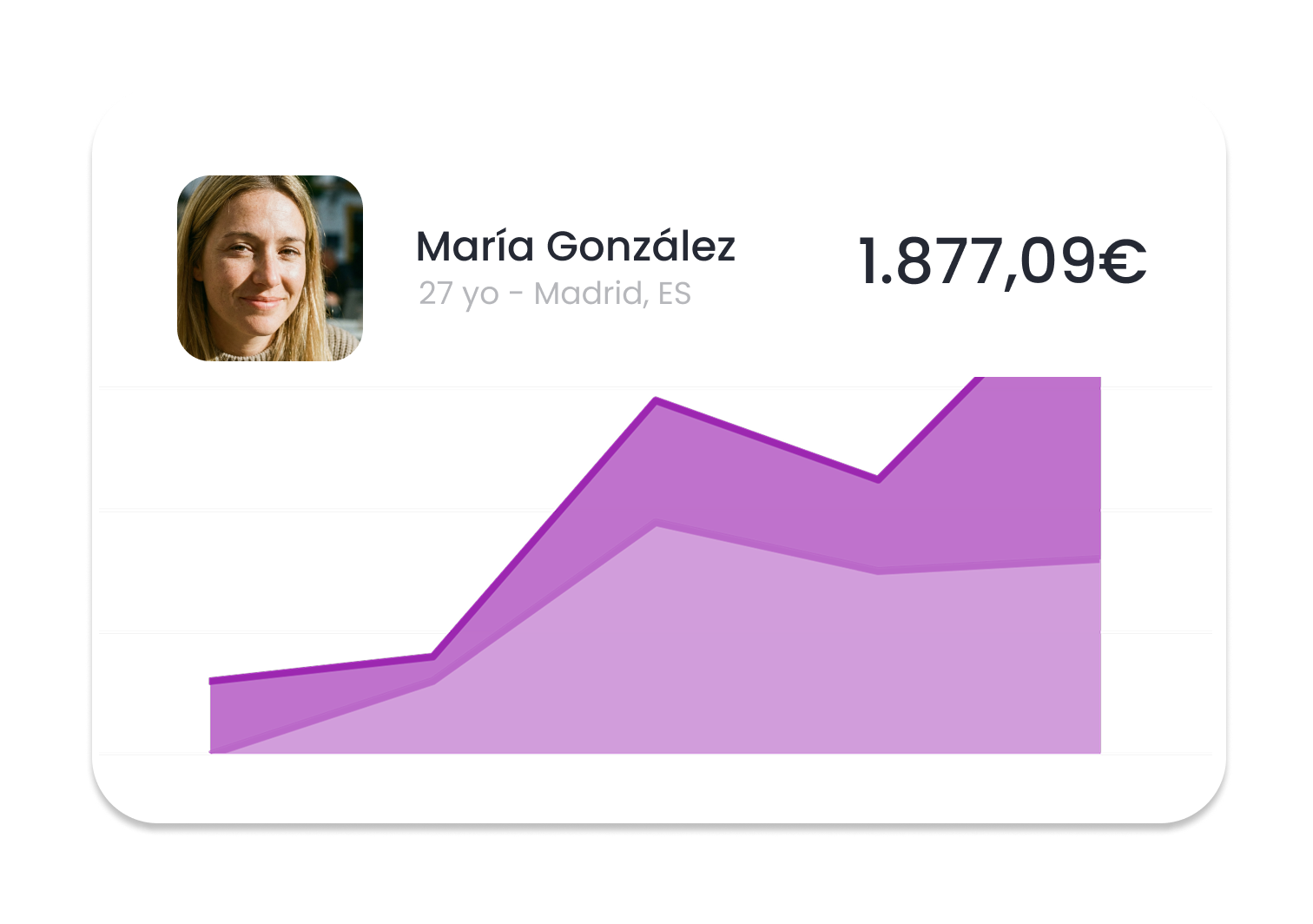
"What was the ROI of my last edition by channel?" "Compare my last two email campaigns." "How many returning attendees do I have in Madrid?" Claude queries your CRM on the spot and answers with real data — no SQL, no dashboards.
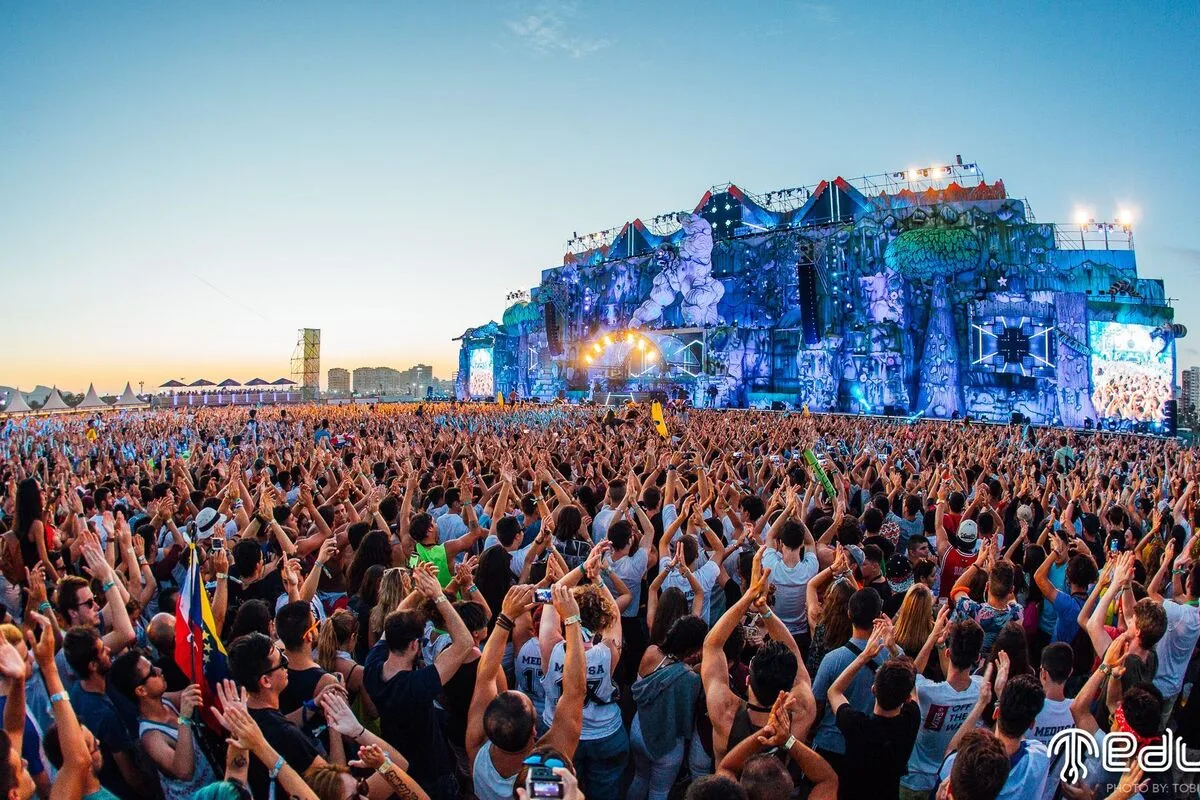
Segment and prepare campaigns by talking
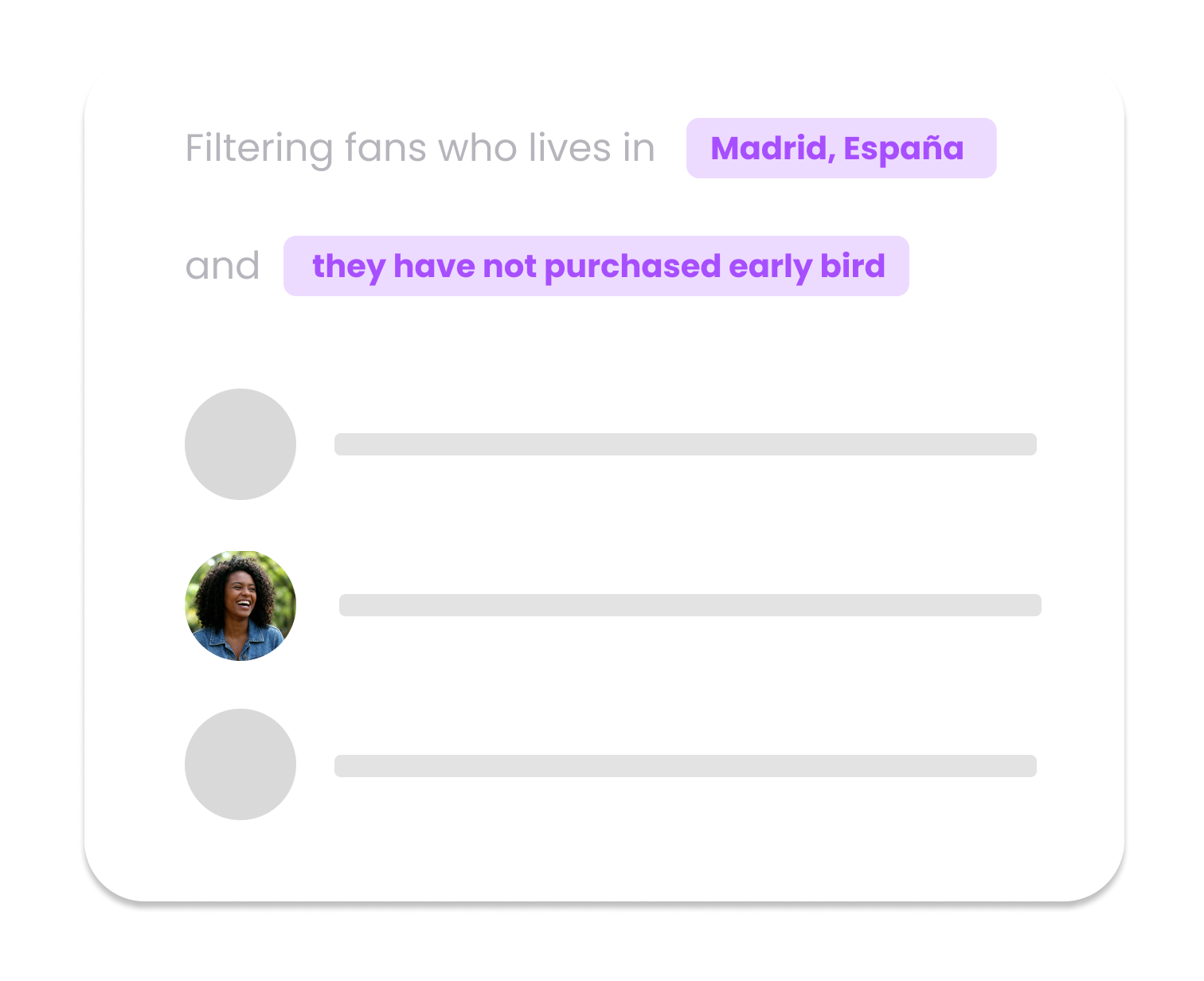
Ask Claude to build a segment of churn-risk fans, draft the copy for the reactivation campaign and leave it queued. You approve, your team launches. The AI does the manual work; you keep control.
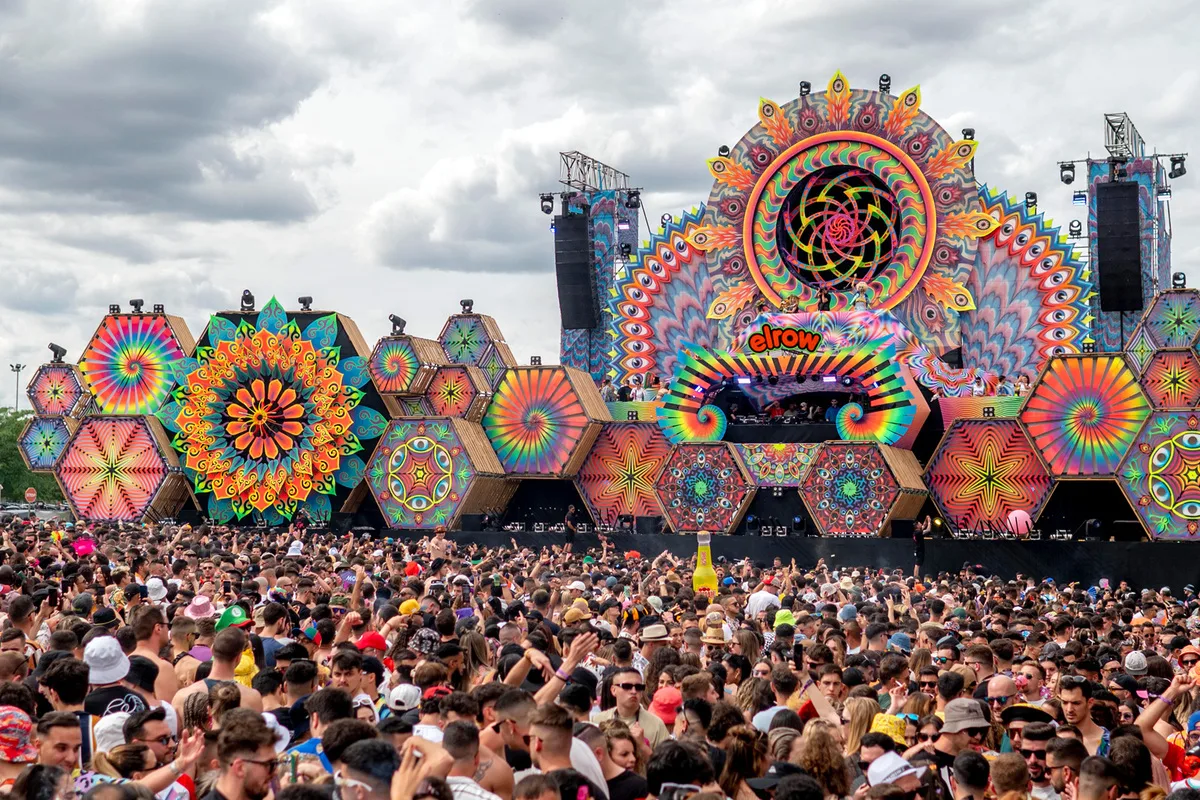
Agentic marketing specialized in live events
Unlike a generic assistant, Claude connected to Nevent understands your sector's cycle: seasonality, multi-touch attribution, segmentation by musical preference, recurring editions. You won't see answers that sound right but aren't useful.
Your data stays in your tenant. Always.
MCP works in query mode: Claude queries your CRM when you ask it to and accesses only the data in your Nevent account, according to the permissions you grant. To learn how Claude handles data, see Anthropic's terms.
Integration in 4 steps
Connect Claude with your Nevent CRM in minutes
Request Nevent AI access
Your Customer Success Manager enables Nevent AI on your tenant and hands you the MCP connector URL and a token.
Connect Claude via MCP
Add the Nevent connector in Claude using the URL and token we give you. The exact steps are in the Nevent documentation and in Claude's help.
Ask Claude about your data
From the chat, ask about your events, attendees, campaigns or sales. Claude queries your CRM in real time.
Approve actions
When Claude proposes a campaign, segment or report, you approve before executing. The AI proposes, you decide.
Promoters already using Nevent CRM












Frequently Asked Questions
How does Claude connect with Nevent CRM?
Through MCP (Model Context Protocol), an open standard from Anthropic also adopted by OpenAI. You connect with your Nevent account and Claude can query your CRM in real time. The exact connector steps are in the Nevent documentation and in Claude's help.
What data from my CRM can Claude see?
Claude accesses only the data in your Nevent account, according to the permissions you grant. To learn how Claude handles data, see Anthropic's terms.
What can I ask Claude about my event?
Post-event analysis, audience segmentation, preparing email/WhatsApp/SMS campaigns, edition-to-edition comparisons, marketing attribution, reports for investors or sponsors, briefings for your team. All in natural language, no SQL, no dashboards.
Where do I find the steps to connect Claude?
In the Nevent documentation and in Claude's help on MCP connectors.

Put Claude to work with your event data
Book a demo and we enable Nevent AI on your tenant. Connecting it to Claude is a matter of minutes.