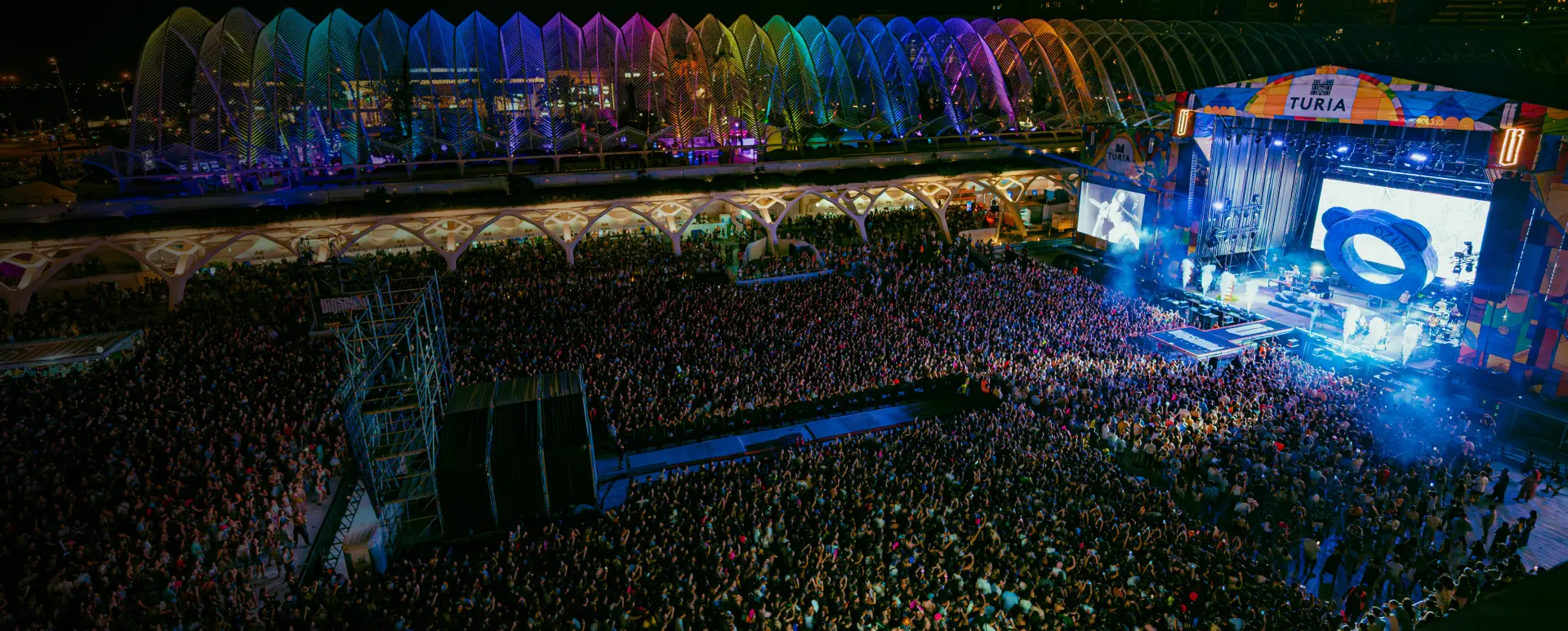
Qué es un CRM para eventos y por qué importa
Descubre qué es un CRM para eventos, cómo funciona en festivales, conciertos y salas de espectáculos, y por qué los promotores que conocen a sus asistentes venden más rápido y con menos esfuerzo.

Tienes un festival con 15.000 asistentes. Publicas el cartel en Instagram, mandas un email a tu base de datos, y esperas. Un 18% abre el email. Un 3% compra. El resto ni se entera porque tu publicación en redes se la tragó el algoritmo. Mientras tanto, hay un canal donde el 98% de las personas leen tu mensaje en menos de 3 minutos. Lo usas todos los días para hablar con amigos, con tu equipo, con proveedores. Pero no con las miles de personas que pagan por venir a tu evento. Ese canal es WhatsApp. Y los promotores que están empezando a usarlo bien para sus festivales y conciertos están viendo resultados que dejan en ridículo al email marketing tradicional.
No hablamos de spam ni de grupos caóticos. Hablamos de whatsapp marketing para festivales aplicado con estrategia: mensajes relevantes, segmentados y en el momento justo. Algo que casi nadie en la industria de eventos en vivo está haciendo todavía.
WhatsApp no es un canal de marketing más. Es el canal más personal que existe después de la llamada de teléfono. Y eso, para un promotor de festivales o conciertos, es exactamente lo que lo hace tan poderoso.
Piensa en cómo funciona la relación entre un asistente y tu evento. No es como comprar unas zapatillas online. Es emocional. Es anticipación. Es contar los días. Cuando alguien compra una entrada para tu festival, está invirtiendo dinero, tiempo y expectativa. Quiere saber más. Quiere sentirse parte de algo.
WhatsApp conecta con esa emoción de una forma que el email no puede. Cuando recibes un mensaje de WhatsApp, lo lees. Punto. No hay carpeta de spam, no hay pestaña de “Promociones” que oculta tu mensaje, no hay algoritmo que decide si tu asistente merece ver tu contenido.
Los números hablan claro:
Para un promotor, esto significa que cuando anuncias un artista confirmado, envías el mapa del recinto o avisas de una venta flash, prácticamente todos tus asistentes se enteran. No el 18%. Todos.
Antes de que pienses que WhatsApp reemplaza todo lo demás, aclaremos algo: no lo hace. Cada canal tiene su momento y su función. La clave está en saber cuándo usar cada uno.
| Característica | SMS | ||
|---|---|---|---|
| Tasa de apertura | 98% | 15-25% | 98% |
| Tasa de clics | 45-60% | 2-5% | 19-36% |
| Tiempo de lectura | 3 minutos | Horas/días | 3 minutos |
| Multimedia | Vídeo, audio, imágenes, docs | Imágenes, HTML | Solo texto + enlace |
| Longitud del mensaje | Hasta 4.096 caracteres | Sin límite | 160 caracteres |
| Coste por mensaje | Medio (API) | Bajo | Alto |
| Personalización | Alta (con CRM) | Alta (con CRM) | Baja |
| Percepción del usuario | Personal, directo | Profesional, esperado | Urgente, breve |
| Mejor para | Urgencia, multimedia, engagement | Contenido largo, nurturing | Alertas breves |
Usa email para: newsletters periódicas, contenido extenso (guía del festival, info de transporte), comunicaciones que el asistente puede leer cuando quiera. El email es tu archivo. Si quieres profundizar en este canal, revisa nuestra guía sobre cómo aumentar la asistencia a eventos.
Usa SMS para: recordatorios de última hora que necesitan máxima entrega y mínimo contexto. “Tu evento es mañana. Puertas abren a las 18h.” Funciona, pero es caro y no permite adjuntar nada.
Usa WhatsApp para: todo lo que necesite inmediatez, emoción o multimedia. Anuncio de lineup con vídeo teaser. Venta flash con enlace directo. Mapa del recinto interactivo. Cambio de horario durante el evento. Es el canal donde la urgencia y la relevancia se combinan mejor.
La estrategia ganadora no es elegir uno. Es usar los tres de forma coordinada, con un CRM para eventos que centralice la comunicación y evite que un asistente reciba el mismo mensaje por tres canales diferentes.
Vamos a lo concreto. Estos son los cinco momentos donde WhatsApp marketing para festivales marca la mayor diferencia.
Este es el caso de uso estrella. Cuando confirmas un cabeza de cartel, quieres que tu público se entere antes de que lo vea por terceros en redes sociales. Con WhatsApp, puedes enviar un vídeo teaser de 30 segundos con el nombre del artista directamente al móvil de tus asistentes.
Cómo hacerlo bien:
El efecto: tus asistentes más fieles sienten que tienen acceso privilegiado. Se convierten en los primeros en compartirlo en sus propias redes. El boca a boca empieza antes de tu publicación oficial.
WhatsApp y las ventas con tiempo limitado son una combinación perfecta. A diferencia del email (que puede quedarse sin leer horas), cuando envías un mensaje de WhatsApp con “50 entradas a precio especial durante las próximas 4 horas”, tu asistente lo lee en minutos.
Cómo hacerlo bien:
Ejemplo real de estructura:
“Hola [nombre]. Mañana anunciamos la venta general de [Festival X]. Pero como viniste a la edición pasada, tienes acceso 24h antes. 200 entradas a 55EUR (precio público: 75EUR). Enlace directo: [link]. Disponibles hasta mañana a las 12h o hasta agotar.”
Directo, claro, con razón legítima de urgencia. No hay nada que el asistente perciba como “spam” en este mensaje. Le estás dando una ventaja real.
Aquí es donde muchos promotores pierden una oportunidad enorme. Los días antes del festival, tus asistentes están buscando información: horarios, cómo llegar, qué pueden y qué no pueden llevar, dónde aparcar, qué hacer si llueve. Esa información suele estar en la web, pero nadie la lee completa.
Cómo hacerlo bien:
El efecto: reduces drásticamente las consultas a tu equipo de atención al cliente. En lugar de responder 500 veces “¿a qué hora abren las puertas?”, envías un mensaje y todos lo tienen en su WhatsApp, guardado y accesible.
Este caso de uso lo cambia todo para festivales de varios días o eventos con múltiples escenarios. WhatsApp te permite comunicar cambios en directo: un artista que cambia de escenario, un horario que se retrasa, una zona que se cierra por lluvia, una activación sorpresa.
Tomorrowland, uno de los festivales más grandes del mundo, ya utiliza WhatsApp para comunicarse con sus asistentes durante el evento, compartir horarios actualizados y resolver consultas a través de chats automatizados.
Cómo hacerlo bien:
El efecto: tus asistentes dejan de depender de Instagram Stories para enterarse de los cambios. Tienen la información en el canal que miran 100 veces al día.
El lunes después de tu festival, tus asistentes están todavía con la euforia del fin de semana. Es el mejor momento para pedirles feedback y para asegurar su vuelta a la próxima edición. Y WhatsApp es el canal donde más probable es que respondan.
Cómo hacerlo bien:
Secuencia post-evento recomendada:
Esa última parte es oro. Si consigues que un porcentaje de tus asistentes compre la entrada de la próxima edición antes de que empiece siquiera la venta pública, tu cash flow mejora, tu planificación se simplifica y tienes una base sólida sobre la que construir la siguiente campaña.
Si nunca has usado WhatsApp para comunicarte con tus asistentes, aquí tienes el camino paso a paso. No es complicado, pero hay decisiones importantes que tomar al principio.
WhatsApp Business App (gratuita): suficiente si tu festival tiene menos de 1.000 asistentes y quieres empezar a experimentar. Permite crear un perfil de empresa, respuestas rápidas, etiquetas para contactos y listas de difusión de hasta 256 personas.
WhatsApp Business API: obligatoria si tienes más de 1.000 asistentes o quieres hacer envíos masivos, automatizaciones e integraciones con tu ticketera o CRM. Requiere un proveedor oficial (BSP) como partner de Meta. Es de pago, pero el coste se justifica rápidamente.
Tu perfil es lo primero que ve un asistente cuando recibe tu mensaje. Completa:
Aquí es donde muchos promotores se saltan un paso crucial. No puedes simplemente coger los emails de tu ticketera y enviarles un WhatsApp. Necesitas consentimiento específico para WhatsApp.
Formas de conseguir opt-in:
Si usas la API, necesitas plantillas aprobadas por Meta. Diseña plantillas para cada caso de uso:
Este paso es el que separa a los promotores que “usan WhatsApp” de los que hacen WhatsApp marketing de verdad. Si tu CRM está conectado con WhatsApp, puedes:
Un CRM para eventos que integre WhatsApp, email y SMS en un solo lugar es lo que convierte mensajes sueltos en una estrategia de comunicación real.
El error más común que cometen los promotores que empiezan con campañas de WhatsApp para conciertos y festivales es tratar a toda su lista igual. Envían el mismo mensaje a 5.000 personas y lo llaman “campaña”.
Eso es lo mismo que haces con el email cuando envías un blast genérico. Y si ya sabemos que no funciona bien en email, en WhatsApp es todavía peor, porque el canal es más personal y la tolerancia al ruido es menor.
La segmentación en WhatsApp sigue las mismas lógicas que en cualquier otro canal, pero las consecuencias de no segmentar son más severas: un asistente que recibe un mensaje irrelevante por WhatsApp no lo ignora como haría con un email. Lo percibe como invasivo. Y se da de baja.
Por historial de asistencia:
Por tipo de entrada:
Por comportamiento:
Por ubicación:
Cuando un super-fan que lleva tres ediciones recibe un mensaje personalizado que dice “para ti antes que para nadie”, eso construye lealtad. Cuando un asistente nuevo recibe una guía visual de cómo llegar al recinto porque viene de otra ciudad, eso es servicio. Y cuando alguien que vino el año pasado pero no ha comprado aún recibe un recordatorio con un incentivo, eso es recuperación inteligente.
Nada de esto es posible sin datos. Y los datos viven en tu CRM. Si quieres entender mejor cómo funciona esto, consulta nuestra guía sobre qué es un CRM para eventos.
Usar WhatsApp Business para eventos en Europa requiere cumplir con el GDPR. No es opcional y las sanciones son relevantes. Pero tampoco es tan complicado como parece si lo haces bien desde el principio.
Opt-in explícito y específico para WhatsApp: no basta con que alguien acepte tus términos generales o se suscriba a tu newsletter. Necesitas un consentimiento específico que diga algo como “Acepto recibir comunicaciones comerciales del festival por WhatsApp”.
Opción de baja clara en cada mensaje: incluye siempre una frase tipo “Responde BAJA para dejar de recibir mensajes” y respeta la baja de forma inmediata y automatizada.
Registro de consentimiento: guarda cuándo, cómo y dónde cada contacto dio su opt-in. Si alguien te pregunta (o te auditan), necesitas poder demostrarlo.
Usa la WhatsApp Business API, no la app personal: desde la perspectiva del GDPR, solo la API integrada a través de un proveedor oficial (BSP) con servidores en la UE se considera compliant. La app gratuita de WhatsApp Business no ofrece las garantías necesarias para uso comercial a escala.
No hay una norma legal sobre cuántos mensajes puedes enviar, pero hay una norma práctica: si un asistente siente que recibe demasiados mensajes, se da de baja. Y en WhatsApp, darse de baja también puede incluir reportarte como spam a Meta, lo que afecta tu calificación de cuenta.
Recomendación: entre 4 y 6 mensajes durante toda la campaña pre-evento. Menos es más. Cada mensaje debe aportar valor claro y concreto. Si no tienes nada relevante que decir, no envíes.
Después de observar cómo diferentes promotores implementan WhatsApp para eventos, estos son los patrones que vemos repetirse y que deberías evitar.
Enviar párrafos largos con toda la información del festival en un solo mensaje. WhatsApp es un canal de mensajes cortos. Si necesitas enviar mucho texto, usa email. En WhatsApp, ve al grano: un mensaje, un objetivo, un CTA.
Enviar lo mismo a todos. Ya lo hemos cubierto, pero merece repetirlo: la tolerancia al ruido en WhatsApp es mucho menor que en email. Un mensaje irrelevante puede costarte un contacto.
Algunos promotores usan su WhatsApp personal para enviar mensajes uno a uno o crean grupos de 256 personas. Esto no escala, no es profesional y no cumple con el GDPR. Usa WhatsApp Business API desde el principio si tu evento tiene más de unos cientos de asistentes.
Tomar los números de teléfono de la ticketera y empezar a enviar WhatsApps sin consentimiento. Esto no solo incumple el GDPR, sino que Meta puede bloquear tu número de empresa si recibes demasiados reportes de spam.
Enviar campañas de WhatsApp sin saber quién abrió, quién hizo clic o cuántas ventas generó cada mensaje. Sin medición, no sabes qué funciona. Y sin un CRM que conecte WhatsApp con tu ticketera, no puedes cerrar el loop entre “mensaje enviado” y “entrada vendida”.
“Si funciona tan bien, envío más.” No. La fortaleza de WhatsApp es que la gente lee tus mensajes. Si envías demasiados, dejarán de hacerlo. O peor: te bloquean. Protege el canal tratándolo con el respeto que merece un espacio personal.
No hace falta montar toda la infraestructura el primer día. Empieza con lo mínimo y escala desde ahí.
Semana 1: Crea una cuenta de WhatsApp Business (app gratuita si tu evento es pequeño, API si es grande). Configura tu perfil de empresa.
Semana 2: Añade un formulario de opt-in en tu web y en el proceso de compra de tu ticketera. Empieza a construir tu lista.
Semana 3: Diseña tu primer mensaje. Un buen primer caso de uso es información práctica pre-evento: horarios, mapa, cómo llegar. Es útil para el asistente y poco intrusivo.
Semana 4: Analiza los resultados del primer envío. ¿Cuántos leyeron el mensaje? ¿Cuántos hicieron clic? ¿Cuántos se dieron de baja? Ajusta y planifica el siguiente envío.
A partir de ahí, cada campaña que lances te dará más datos, más aprendizajes y mejor criterio para decidir qué enviar, a quién y cuándo. Y cuando tu lista crezca lo suficiente, conecta WhatsApp con tu CRM para eventos para desbloquear la segmentación y la automatización que de verdad hacen la diferencia.
Estamos en un momento peculiar. WhatsApp tiene 2.000 millones de usuarios activos. En Europa es la app de mensajería dominante. Tus asistentes la usan más que el email, más que Instagram, más que cualquier otra app en su teléfono. Y sin embargo, la inmensa mayoría de promotores de festivales, conciertos y eventos en vivo no la están usando como canal de comunicación con su público.
Eso es una ventaja competitiva temporal. Temporal porque, cuando los promotores más grandes empiecen a adoptarlo de forma generalizada, el canal se saturará y la ventaja se diluirá. Igual que pasó con el email marketing hace 15 años.
Hoy, un mensaje de WhatsApp de tu festival llega con un 98% de apertura porque el canal todavía no está saturado de mensajes comerciales. En 3-5 años, esa cifra probablemente será menor. Los promotores que empiecen ahora construirán listas, aprenderán qué funciona y tendrán una ventaja acumulada que será difícil de replicar.
La pregunta no es si WhatsApp funcionará para tu evento. La pregunta es si quieres ser de los primeros en usarlo bien o de los que lleguen cuando ya lo haga todo el mundo.
Si quieres explorar cómo integrar WhatsApp en tu estrategia de comunicación con asistentes, echa un vistazo a nuestra plataforma de WhatsApp marketing para eventos.
You have a festival with 15,000 attendees. You post the lineup on Instagram, send an email to your database, and wait. 18% open the email. 3% buy. The rest never find out because your social media post got buried by the algorithm. Meanwhile, there’s a channel where 98% of people read your message in under 3 minutes. You use it every day to talk to friends, your team, your suppliers. But not to reach the thousands of people who pay to attend your event. That channel is WhatsApp. And the promoters who are starting to use it properly for their festivals and concerts are seeing results that put traditional email marketing to shame.
We’re not talking about spam or chaotic groups. We’re talking about WhatsApp marketing for festivals applied strategically: relevant messages, segmented and delivered at the right moment. Something almost nobody in the live events industry is doing yet.
WhatsApp isn’t just another marketing channel. It’s the most personal channel that exists after a phone call. And for a festival or concert promoter, that’s exactly what makes it so powerful.
Think about how the relationship between an attendee and your event works. It’s not like buying sneakers online. It’s emotional. It’s anticipation. It’s counting down the days. When someone buys a ticket to your festival, they’re investing money, time, and expectation. They want to know more. They want to feel part of something.
WhatsApp connects with that emotion in a way email simply can’t. When you receive a WhatsApp message, you read it. Period. There’s no spam folder, no “Promotions” tab hiding your message, no algorithm deciding whether your attendee deserves to see your content.
The numbers are clear:
For a promoter, this means that when you announce a confirmed artist, send the venue map, or alert about a flash sale, virtually all your attendees find out. Not 18%. All of them.
Before you think WhatsApp replaces everything else, let’s clarify: it doesn’t. Each channel has its moment and function. The key is knowing when to use each one.
| Feature | SMS | ||
|---|---|---|---|
| Open rate | 98% | 15-25% | 98% |
| Click-through rate | 45-60% | 2-5% | 19-36% |
| Time to read | 3 minutes | Hours/days | 3 minutes |
| Multimedia | Video, audio, images, docs | Images, HTML | Text + link only |
| Message length | Up to 4,096 chars | Unlimited | 160 characters |
| Cost per message | Medium (API) | Low | High |
| Personalization | High (with CRM) | High (with CRM) | Low |
| User perception | Personal, direct | Professional, expected | Urgent, brief |
| Best for | Urgency, multimedia, engagement | Long content, nurturing | Brief alerts |
Use email for: periodic newsletters, extensive content (festival guide, transport info), communications the attendee can read whenever they want. Email is your archive.
Use SMS for: last-minute reminders that need maximum delivery and minimal context. “Your event is tomorrow. Doors open at 6pm.” It works, but it’s expensive and doesn’t allow attachments.
Use WhatsApp for: everything that needs immediacy, emotion, or multimedia. Lineup announcement with a video teaser. Flash sale with a direct link. Interactive venue map. Schedule change during the event. It’s the channel where urgency and relevance combine best.
The winning strategy isn’t choosing one. It’s using all three in a coordinated way, with an event CRM that centralizes communication and prevents an attendee from receiving the same message through three different channels.
Let’s get specific. These are the five moments where WhatsApp marketing for festivals makes the biggest difference.
This is the star use case. When you confirm a headliner, you want your audience to find out before they see it through third parties on social media. With WhatsApp, you can send a 30-second teaser video with the artist’s name directly to your attendees’ phones.
How to do it right:
The effect: your most loyal attendees feel they have privileged access. They become the first to share it on their own networks. Word of mouth starts before your official announcement.
WhatsApp and time-limited sales are a perfect combination. Unlike email (which might go unread for hours), when you send a WhatsApp message with “50 tickets at a special price for the next 4 hours,” your attendee reads it within minutes.
How to do it right:
Real message structure example:
“Hi [name]. Tomorrow we announce general sales for [Festival X]. But since you came to last year’s edition, you get 24h early access. 200 tickets at EUR55 (public price: EUR75). Direct link: [link]. Available until tomorrow at noon or while stocks last.”
Direct, clear, with a legitimate reason for urgency. There’s nothing in this message the attendee would perceive as spam. You’re giving them a real advantage.
This is where many promoters miss a huge opportunity. In the days before the festival, attendees are searching for information: schedules, how to get there, what they can and can’t bring, where to park, what to do if it rains. That information is usually on the website, but nobody reads it completely.
How to do it right:
The effect: you dramatically reduce queries to your customer service team. Instead of answering “what time do doors open?” 500 times, you send one message and everyone has it saved in their WhatsApp.
This use case is a game-changer for multi-day festivals or events with multiple stages. WhatsApp lets you communicate changes in real time: an artist switching stages, a schedule delay, a zone closing due to rain, a surprise activation.
Tomorrowland, one of the world’s largest festivals, already uses WhatsApp to communicate with attendees during the event, sharing updated schedules and resolving queries through automated chats.
How to do it right:
The effect: your attendees stop depending on Instagram Stories to learn about changes. They have the information on the channel they check 100 times a day.
The Monday after your festival, your attendees are still riding the weekend’s euphoria. It’s the best moment to ask for feedback and secure their return for the next edition. And WhatsApp is the channel where they’re most likely to respond.
How to do it right:
Recommended post-event sequence:
That last part is gold. If you get a percentage of your attendees to buy next year’s ticket before public sales even begin, your cash flow improves, your planning simplifies, and you have a solid foundation to build the next campaign on.
If you’ve never used WhatsApp to communicate with your attendees, here’s the step-by-step path. It’s not complicated, but there are important decisions to make at the start.
WhatsApp Business App (free): sufficient if your festival has fewer than 1,000 attendees and you want to start experimenting. It allows you to create a business profile, quick replies, contact labels, and broadcast lists of up to 256 people.
WhatsApp Business API: mandatory if you have more than 1,000 attendees or want to do mass sends, automations, and integrations with your ticketing platform or CRM. Requires an official provider (BSP) as a Meta partner. It’s paid, but the cost justifies itself quickly.
Your profile is the first thing an attendee sees when they receive your message. Complete:
This is where many promoters skip a crucial step. You can’t simply take emails from your ticketing platform and send them a WhatsApp. You need specific consent for WhatsApp.
Ways to get opt-in:
If you use the API, you need Meta-approved templates. Design templates for each use case:
This step separates promoters who “use WhatsApp” from those who do real WhatsApp marketing. If your CRM is connected with WhatsApp, you can:
An event CRM that integrates WhatsApp, email, and SMS in one place turns scattered messages into a real communication strategy.
The most common mistake promoters make when starting WhatsApp campaigns for concerts and festivals is treating their entire list the same. They send the same message to 5,000 people and call it a “campaign.”
That’s the same as sending a generic email blast. And if we already know it doesn’t work well for email, with WhatsApp it’s even worse, because the channel is more personal and noise tolerance is lower.
WhatsApp segmentation follows the same logic as any other channel, but the consequences of not segmenting are more severe: an attendee who receives an irrelevant WhatsApp message doesn’t just ignore it like they would an email. They perceive it as invasive. And they unsubscribe.
By attendance history:
By ticket type:
By behavior:
By location:
When a super-fan who’s attended three editions receives a personalized message saying “for you before anyone else,” that builds loyalty. When a new attendee receives a visual guide on how to reach the venue because they’re coming from another city, that’s service. And when someone who came last year but hasn’t bought yet receives a reminder with an incentive, that’s smart recovery.
None of this is possible without data. And data lives in your CRM. To understand how this works, check our guide on what is an event CRM.
Using WhatsApp Business for events in Europe requires GDPR compliance. It’s not optional and fines are significant. But it’s not as complicated as it seems if you set it up correctly from the start.
Explicit and specific opt-in for WhatsApp: it’s not enough for someone to accept your general terms or subscribe to your newsletter. You need specific consent that says something like “I agree to receive commercial communications from the festival via WhatsApp.”
Clear opt-out option in every message: always include a phrase like “Reply STOP to unsubscribe” and honor the opt-out immediately and automatically.
Consent records: save when, how, and where each contact gave their opt-in. If someone asks (or you’re audited), you need to be able to prove it.
Use the WhatsApp Business API, not the personal app: from a GDPR perspective, only the API integrated through an official provider (BSP) with EU servers is considered compliant. The free WhatsApp Business app doesn’t offer the necessary guarantees for commercial use at scale.
There’s no legal rule about how many messages you can send, but there’s a practical one: if an attendee feels they’re receiving too many messages, they unsubscribe. And on WhatsApp, unsubscribing can also include reporting you as spam to Meta, which affects your account rating.
Recommendation: 4-6 messages throughout the entire pre-event campaign. Less is more. Each message should deliver clear, concrete value. If you don’t have anything relevant to say, don’t send.
After observing how different promoters implement WhatsApp for events, these are the patterns we see repeated that you should avoid.
Sending long paragraphs with all the festival information in a single message. WhatsApp is a short-message channel. If you need to send a lot of text, use email. On WhatsApp, get to the point: one message, one objective, one CTA.
Sending the same thing to everyone. We’ve covered this already, but it deserves repeating: noise tolerance on WhatsApp is much lower than email. An irrelevant message can cost you a contact.
Some promoters use their personal WhatsApp to send messages one by one or create groups of 256 people. This doesn’t scale, isn’t professional, and doesn’t comply with GDPR. Use WhatsApp Business API from the start if your event has more than a few hundred attendees.
Taking phone numbers from your ticketing platform and starting to send WhatsApps without consent. This not only violates GDPR but Meta can block your business number if you receive too many spam reports.
Sending WhatsApp campaigns without knowing who opened, who clicked, or how many sales each message generated. Without measurement, you don’t know what works. And without a CRM connecting WhatsApp with your ticketing platform, you can’t close the loop between “message sent” and “ticket sold.”
“If it works so well, I’ll send more.” No. WhatsApp’s strength is that people read your messages. If you send too many, they’ll stop. Or worse: they’ll block you. Protect the channel by treating it with the respect a personal space deserves.
You don’t need to build the entire infrastructure on day one. Start with the minimum and scale from there.
Week 1: Create a WhatsApp Business account (free app if your event is small, API if it’s large). Set up your business profile.
Week 2: Add an opt-in form on your website and in your ticketing platform’s purchase flow. Start building your list.
Week 3: Design your first message. A good first use case is pre-event practical information: schedules, map, how to get there. It’s useful for the attendee and non-intrusive.
Week 4: Analyze results from your first send. How many read the message? How many clicked? How many unsubscribed? Adjust and plan the next send.
From there, each campaign you launch gives you more data, more learnings, and better judgment for deciding what to send, to whom, and when. And when your list grows large enough, connect WhatsApp with your event CRM to unlock the segmentation and automation that truly make the difference.
We’re at a peculiar moment. WhatsApp has 2 billion active users. In Europe, it’s the dominant messaging app. Your attendees use it more than email, more than Instagram, more than any other app on their phone. And yet, the vast majority of festival, concert, and live event promoters aren’t using it as a communication channel with their audience.
That’s a temporary competitive advantage. Temporary because when larger promoters start adopting it widely, the channel will become saturated and the advantage will dilute. Just like what happened with email marketing 15 years ago.
Today, a WhatsApp message from your festival arrives with 98% open rate because the channel isn’t yet saturated with commercial messages. In 3-5 years, that figure will likely be lower. Promoters who start now will build lists, learn what works, and have a compounding advantage that will be hard to replicate.
The question isn’t whether WhatsApp will work for your event. The question is whether you want to be among the first to use it well or among those who arrive when everyone else already is.
If you want to explore how to integrate WhatsApp into your attendee communication strategy, take a look at our WhatsApp marketing platform for events.
WhatsApp tiene una tasa de apertura del 98%, frente al 15-25% del email marketing en el sector de eventos. Además, el 90% de los mensajes de WhatsApp se leen en los primeros 3 minutos, lo que lo convierte en el canal más efectivo para comunicaciones urgentes como ventas flash o cambios de horario durante un festival.
Si tu festival tiene más de 1.000 asistentes, necesitas la WhatsApp Business API. La app gratuita limita los envíos masivos a 256 contactos por lista de difusión y no permite automatizaciones ni integraciones con tu ticketera o CRM. La API permite envíos a miles de contactos, plantillas aprobadas por Meta, y conexión directa con herramientas de gestión de eventos.
Sí, siempre que cumplas con el GDPR. Necesitas consentimiento explícito y específico para enviar mensajes comerciales por WhatsApp. El opt-in debe ser claro (no basta con aceptar las condiciones generales), debes ofrecer una opción de baja fácil, y debes mantener registro de cuándo y cómo cada persona dio su consentimiento.
La recomendación es entre 4 y 6 mensajes durante toda la campaña pre-evento, espaciados al menos una semana entre ellos. WhatsApp es un canal personal y los usuarios son sensibles al exceso de mensajes. Cada mensaje debe aportar valor concreto: anuncio de lineup, información práctica, acceso anticipado. Si un asistente siente que tus mensajes le aportan, no los percibirá como intrusivos.
Sí, WhatsApp permite incluir enlaces directos a tu plataforma de venta de entradas, e incluso puedes integrar catálogos de productos con la API. Sin embargo, el mayor potencial de WhatsApp para conciertos no es la venta directa durante el evento, sino la comunicación antes (ventas anticipadas, early bird) y después (pre-venta de la próxima edición), cuando el canal personal genera mayor conversión que cualquier otro.
Las tres formas más efectivas son: 1) Añadir un checkbox de opt-in durante la compra de entradas en tu ticketera, 2) Ofrecer acceso anticipado a contenido exclusivo (lineup, preventas) a cambio de unirse al canal de WhatsApp, y 3) Usar códigos QR en el recinto del evento que lleven directamente al chat de WhatsApp. La clave es dar una razón clara de por qué les conviene apuntarse.
Descubre qué es un CRM para eventos, cómo funciona en festivales, conciertos y salas de espectáculos, y por qué los promotores que conocen a sus asistentes venden más rápido y con menos esfuerzo.
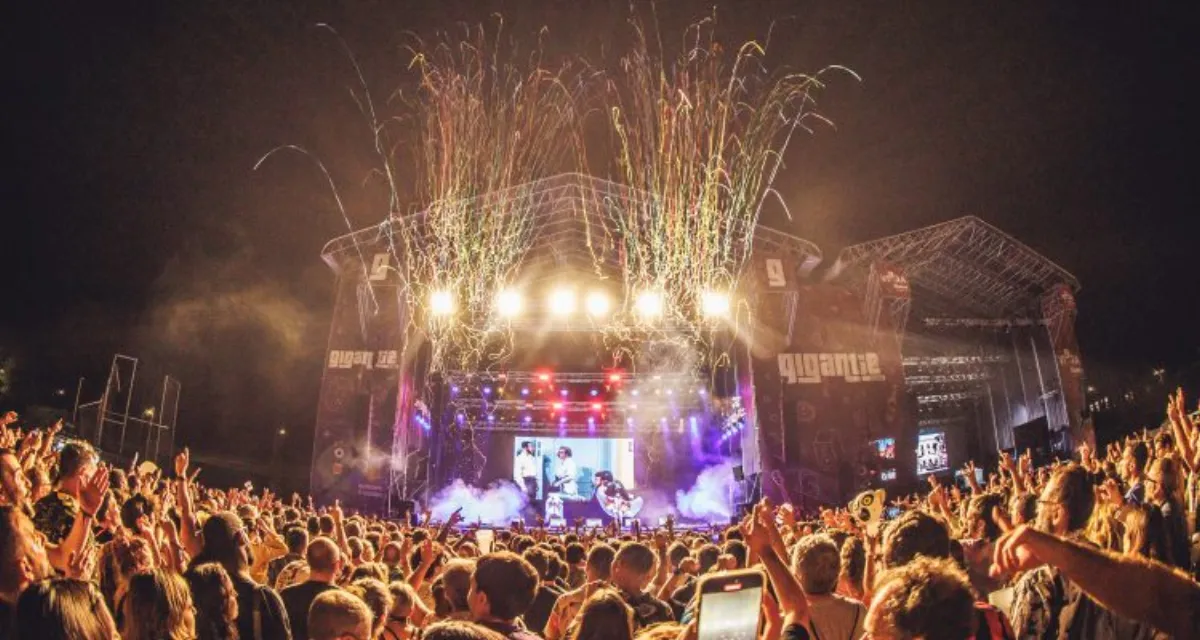
12 tácticas probadas que usan los promotores para llenar su próxima edición: pre-venta, retargeting, audiencias lookalike y secuencias de email.
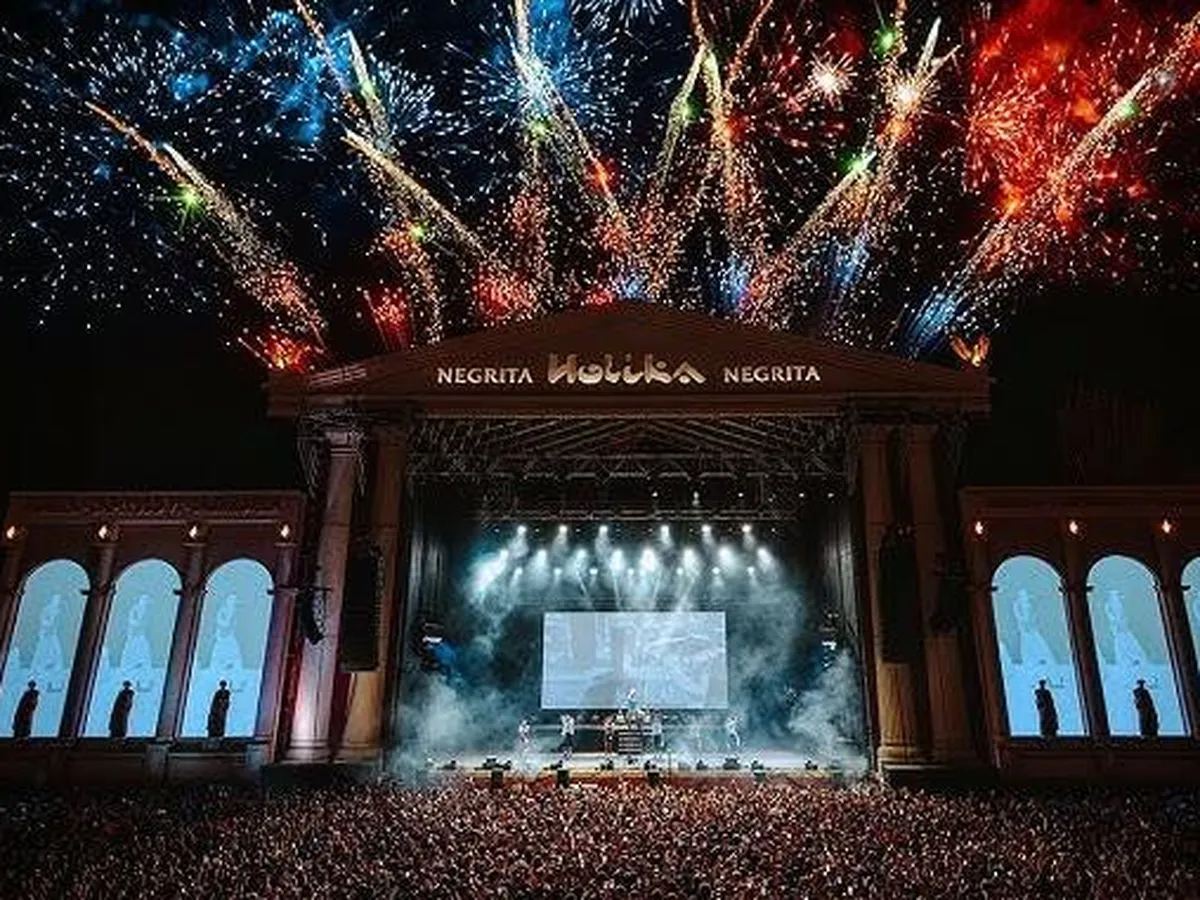
Descubre cómo la combinación de CRM y chatbot crea un sistema completo de gestión de asistentes: conoce a tu público, automatiza la atención y personaliza cada interacción sin perder calidad.
Descubre cómo Nevent puede llevar tus eventos al siguiente nivel
Déjanos tu email y te enviaremos ideas, manuales, y novedades para que le saques el máximo partido a tu marketing
¿Te vas?
Te enviamos por email la guía completa de segmentación de audiencias para festivales y eventos. Gratis, sin spam.